 jevieDocs
Download
Your browser
Get through the web faster
Go to any tab, search any site, keep sets of tabs, and teach Jevie a task once to have it repeated for you.
FreeMacChrome extension
Choose an example to copy it, then try it in Jevie.
What it looks likeStepsMake it automaticRelated
Steps
1. Go to a page by name
open hacker news
switches to the tab if it is open, else finds it in your bookmarks, history or the site itself. open hacker news and product hunt
opens both (the browser).
2. Tidy tabs by what is on them
close the youtube tabs
closes all of them; pin this tab
keeps the one in front; web history
lists what you visited (the browser).
3. Keep sets of tabs
save these tabs to work
, then later open work bookmarks
brings them back as a tab group and close work
closes them together (the browser).
4. Search a site directly
hn rust
and ask perplexity what is the best standing desk
go straight to the site's own search; open WEB-12
opens a Jira or Linear issue (the browser).
5. Make your own shortcuts
quicklinks
shows your saved places and searches; standing desk google month
is Google's results for standing desk from the last month (snippets and quicklinks).
6. Use the page in front
explain this selection
explains what you highlighted, save this recipe
keeps the page as a note, and download this video
saves the video (the browser, text and screen).
7. Let an agent work on the wall
open github.com
opens the page as a tile on the session wall, already signed in. find a usb-c hub under $80 on amazon
is worked in its own tile, which you can watch and take over (the wall browser).
8. Teach a task once
watch me open the top 3 hacker news comments
, do it yourself, then done watching
. From then on open the top 5 hacker news comments
is done the same way (teaching Jevie).
Make it automatic
check this page every hour and tell me when it changes
Told only when it changes (automations)every morning tell me anything new on hacker news
Only new itemsopen my dashboards every morning
Your pages opened for youwhen I say zen mode, make chrome full screen, hide the other apps and focus the page
One name for a browser setup (routines)
Related
What it looks like
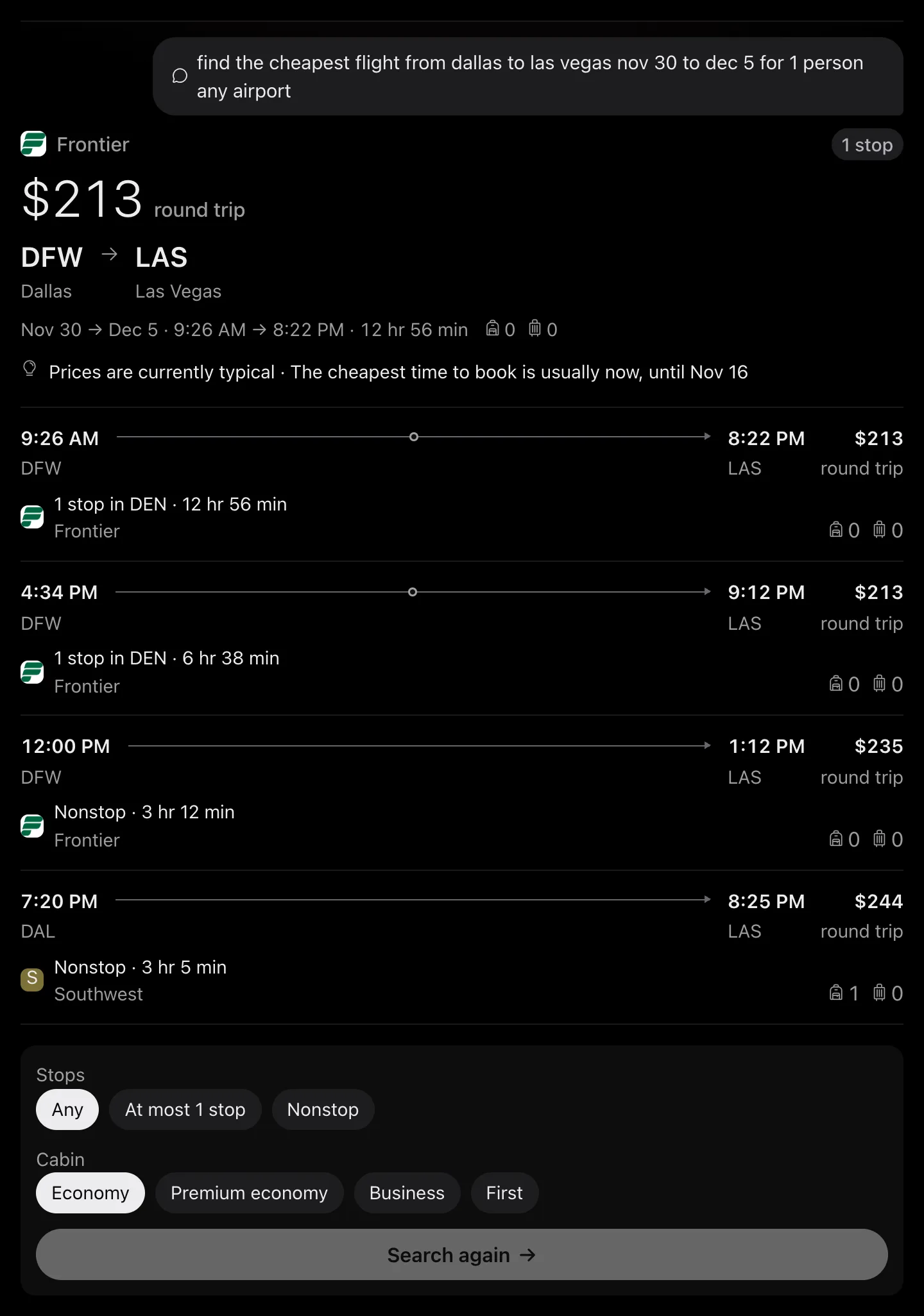
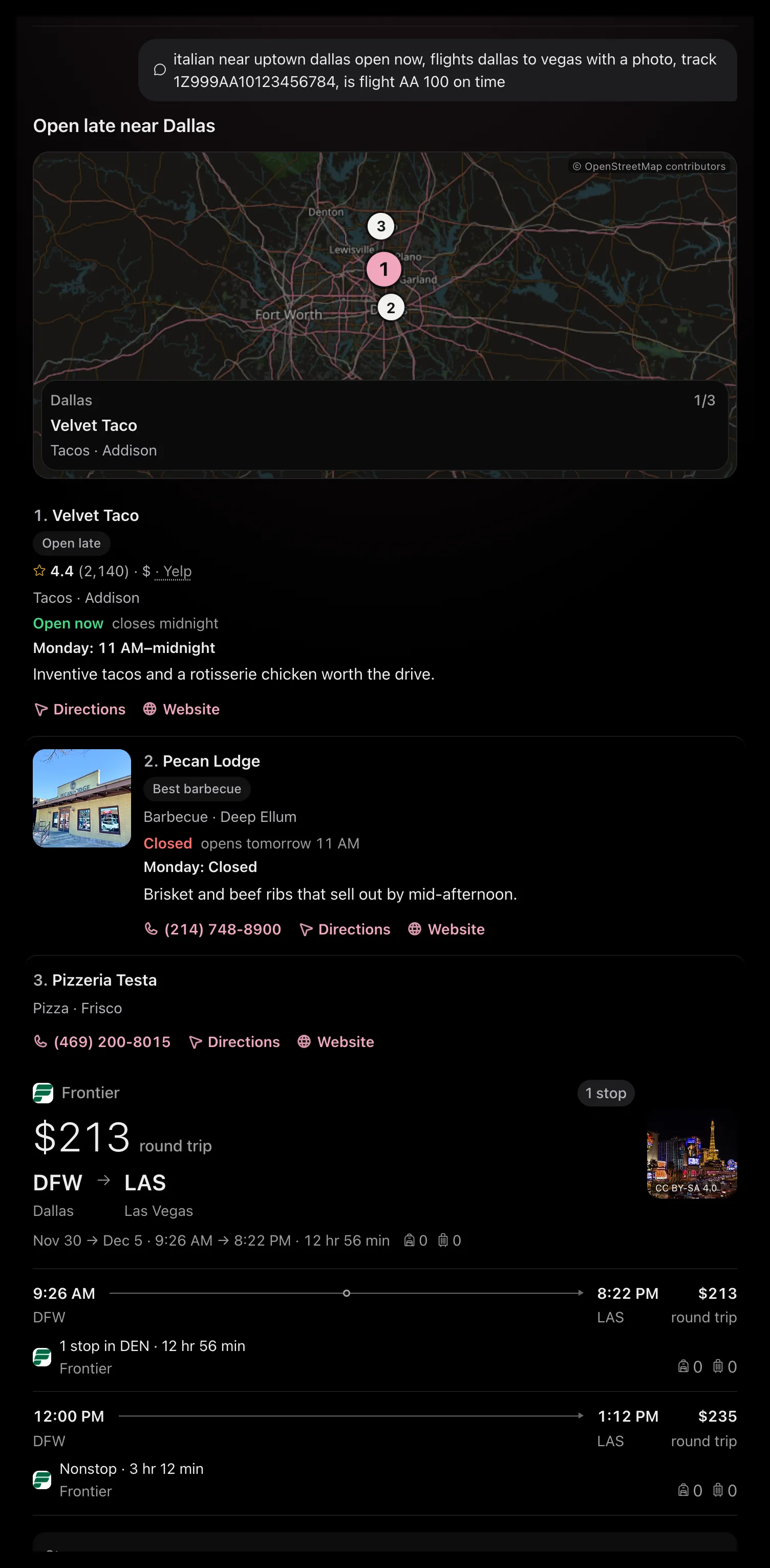
Drawn by Jevie's own renderer with made-up data.
Related
Updated 27 October 2026 · Something wrong or missing? Tell us