 jevieDocs
Download
Your day
Keep track of money
Where your money goes and what is about to leave, read from your bank's own export on this Mac, and the markets watched for you.
Free, more with ProMac
What it looks likeStepsMake it automaticRelated
Steps
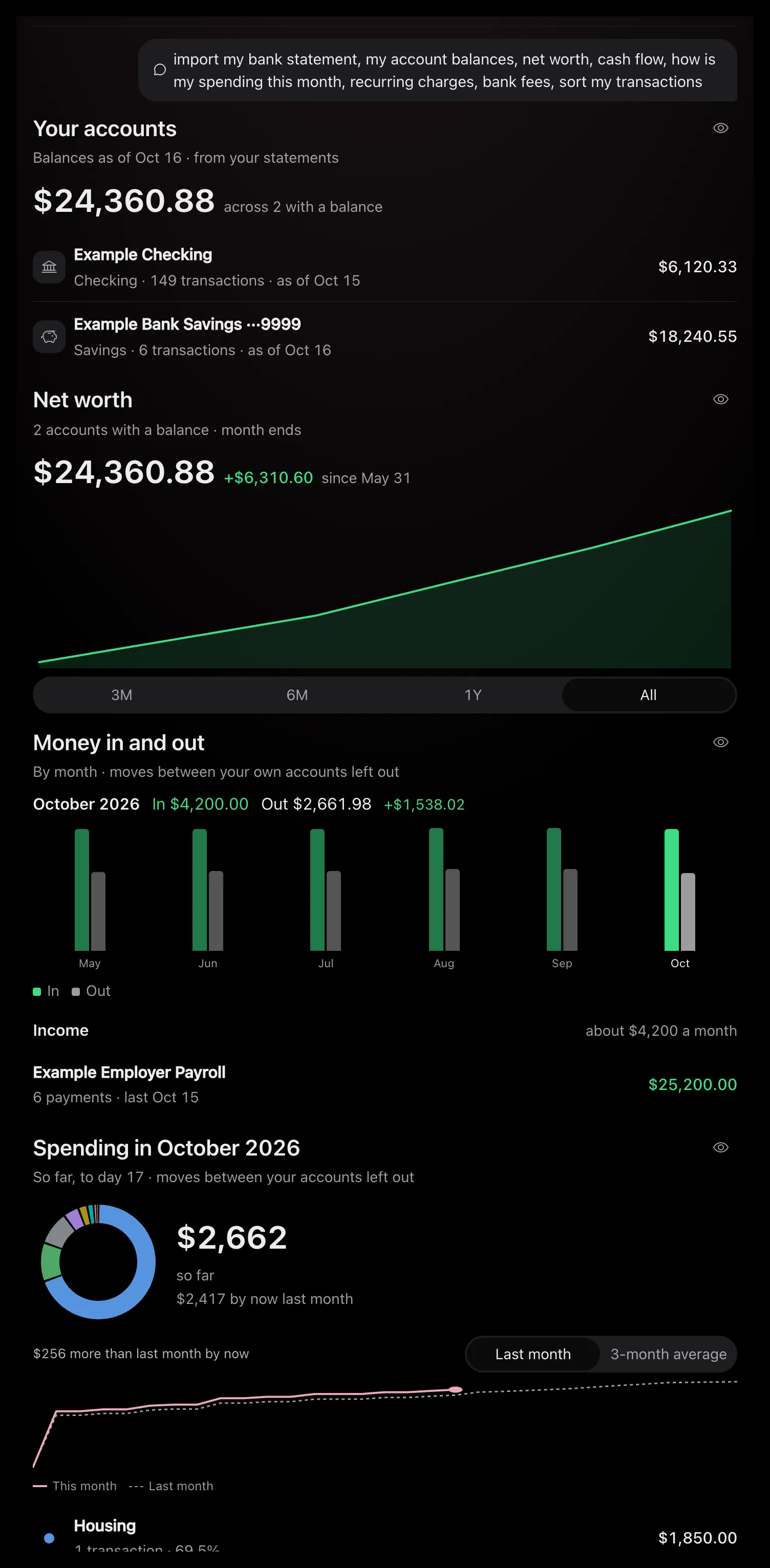
1. Bring in a statement
Download a CSV, OFX or QFX statement from your bank's website, then say import ~/Downloads/statement.csv
or drop the file on Jevie. It is read on this Mac; no account is linked (bank statements).
2. See where you stand
my account balances
, what is my net worth
and cash flow
show each account, net worth month by month, and money in and out (bank statements).
3. See where it goes
how is my spending this month
draws your categories against last month. Without a statement, what did I spend this month
reads your Gmail receipts (mail and calendar).
4. Tidy the categories
sort my transactions
files the merchants Jevie could not, one press each; categorize starbucks as coffee
makes a rule (bank statements).
5. Find what repeats
recurring charges
, upcoming bills
and bank fees
show what comes out, when it is next due, and what the bank takes. get my money back
finds price rises and double charges (money back).
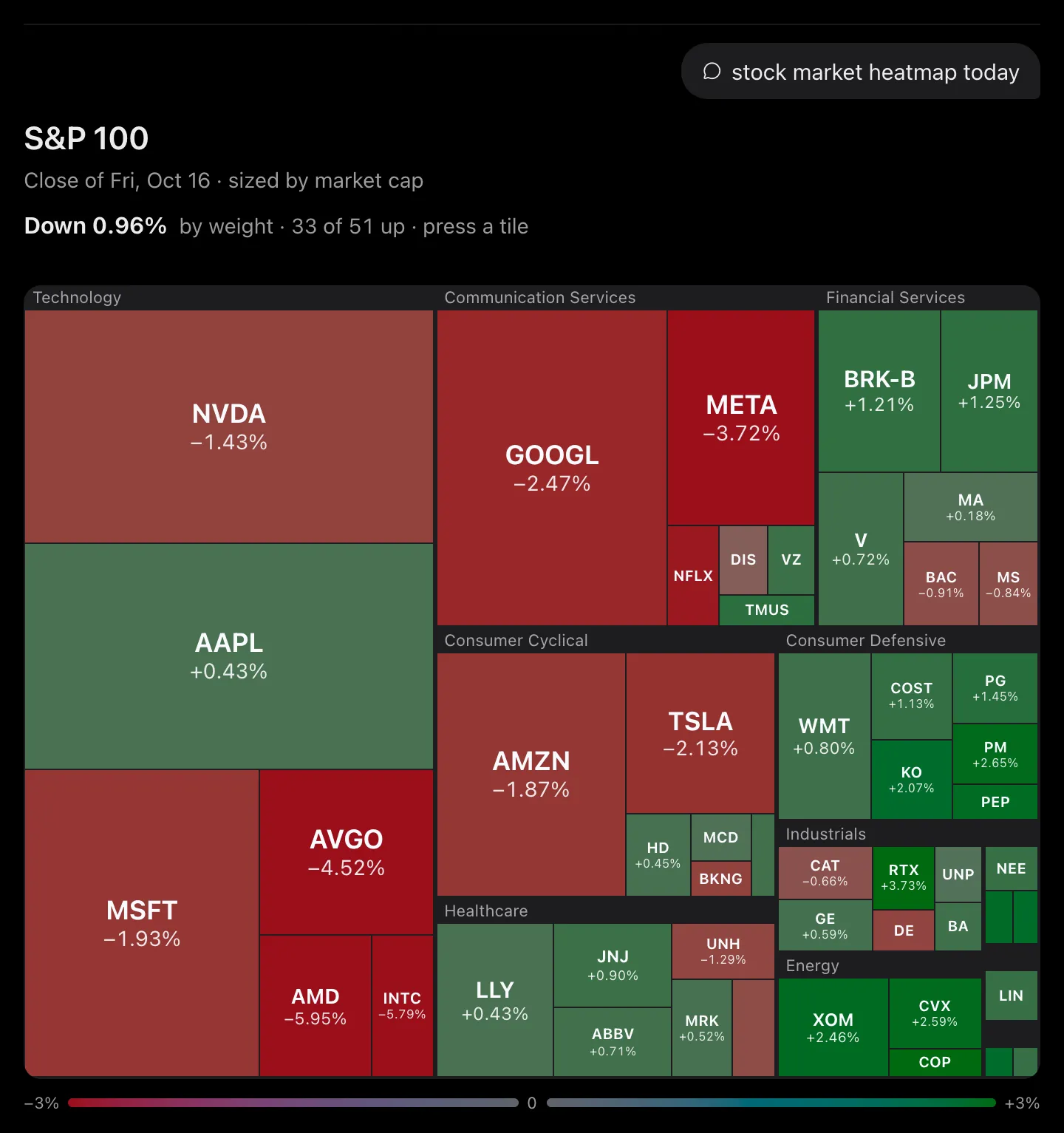
6. Check the markets
aapl
or bitcoin
draws a live card, AAPL vs MSFT vs NVDA
compares them, biggest movers
shows what is moving, and why did META jump
pins the day's stories on its chart (markets).
7. Keep your holdings
I bought 10 AAPL at 182.50
keeps a position; my portfolio
shows what it is worth today and since you bought (markets).
Make it automatic
tell me about upcoming charges
A heads-up before a trial charges or a payment fails (triggers)tell me if NVDA drops below 180
Told the minute it happens (market watches)if bitcoin moves 3%
With the reason foundevery weekday at 9 ET give me the pre-market movers
A morning briefpin that
over a market card, thenupdate that panel every 5 minutes
Kept on your desktop (panels)
Balances are as of the statement you imported last; import a fresh one to bring them up to date.
Related
What it looks like
Drawn by Jevie's own renderer with made-up data.
Related
Updated 23 October 2026 · Something wrong or missing? Tell us