 jevieDocs
Download
Hands on your Mac
Action cards
Meetings, shares, sheets and emails come back already filled in as a card: look it over, change a field, press the button.
FreeMacGoogle account
What it looks likeUse itHow it worksLimitsWhere it's kept
Use it
Calendar
find 30 minutes with priya this week
book a meeting with caleb tomorrow
Times you are both free; Send invite books it with a Meet linklook for an hour for a call with sam
grab 30 minutes with priya on friday
The same: three free times to choose from (one a day across the week, or three on the day you named), nothing on your calendar until you pick one and press Send invitebook a meeting with hannah and omar tomorrow at 10
Everyone named, their calendars checked where sharedmove my 3pm to 4
push standup to friday
The event moved, its length keptcancel my 3pm
decline my 3pm saying I'm at the dentist
Cancelled, or declined with a noteI'm running 10 minutes late
The next meeting's guests emailedblock 2 hours for focus tomorrow afternoon
Focus time at the first free stretchI'm off from Nov 2 to Nov 9
Out of office on your calendar, Gmail's auto-reply if you choose
Mail and Drive
email priya that I'm running late
To, Subject and message, ready to sendreply to hannah saying thursday works
forward the invoice from comcast to omar
Sent in the thread, attachments carriedshare the Q4 plan with hannah
send the Q4 plan to omar
The Drive file found by name, view or editwho has access to the Q4 plan
stop sharing the Q4 plan with omar
Access read and taken awaymake a copy of the Q4 plan called Q1 plan
move the Q4 plan doc to the Finance folder
Drive files by name
Sheets, Docs and Tasks
log 45 on uber to my expenses sheet
add a row to my reading log: Dune, Frank Herbert, 5
A row under the right columnsset rent in my budget sheet to 1800
One cell, old and new shownhow much did I spend on food this month in my expenses sheet
Added up from the sheet's own rowscreate a sheet called Trip budget with columns date, item, cost
new doc called Offsite notes
Made in Drive and openedadd call the bank to my google tasks tomorrow
add to my meeting notes doc: pricing is settled
Google Tasks and Docs by name
How it works
Say what you want done and the card is filled in as you type: who, when, which file, how much. A name means the person you write to most; the others are one tap away under it, and the one you pick is who that name means from then on. A person is one person across where you know them: a card in the Mac's Contacts with their number and their address joins the texts from that number (Messages, read on this Mac with Full Disk Access) to the mail from that address, so whoever you text most counts as much as whoever you email.
A Jira account found for a name (Maya Chen's stories
) is kept for that name on that Jira site and used next time without searching again.
Nothing happens until you press the button. Change any field first, or say yes
, no
or Subject: on my way
when the card is spoken.
Limits
- Needs your Google account connected; without it, a new event goes to the Mac's own Calendar.
- An event with no day (
book event
) is handed to your coding agent, which asks what it is and when before it books it. See what was booked withmy events
ormy calendar today
, or in the Calendar app. - Other people's free times are checked only where their calendar is shared with you.
- There is no undo once the button is pressed.
- What is sent goes through your own Google account: Calendar, Gmail, Drive, Sheets, Docs and Tasks.
Where it's kept
Sent from your Google account; nothing kept by Jevie but who a name means.
What it looks like
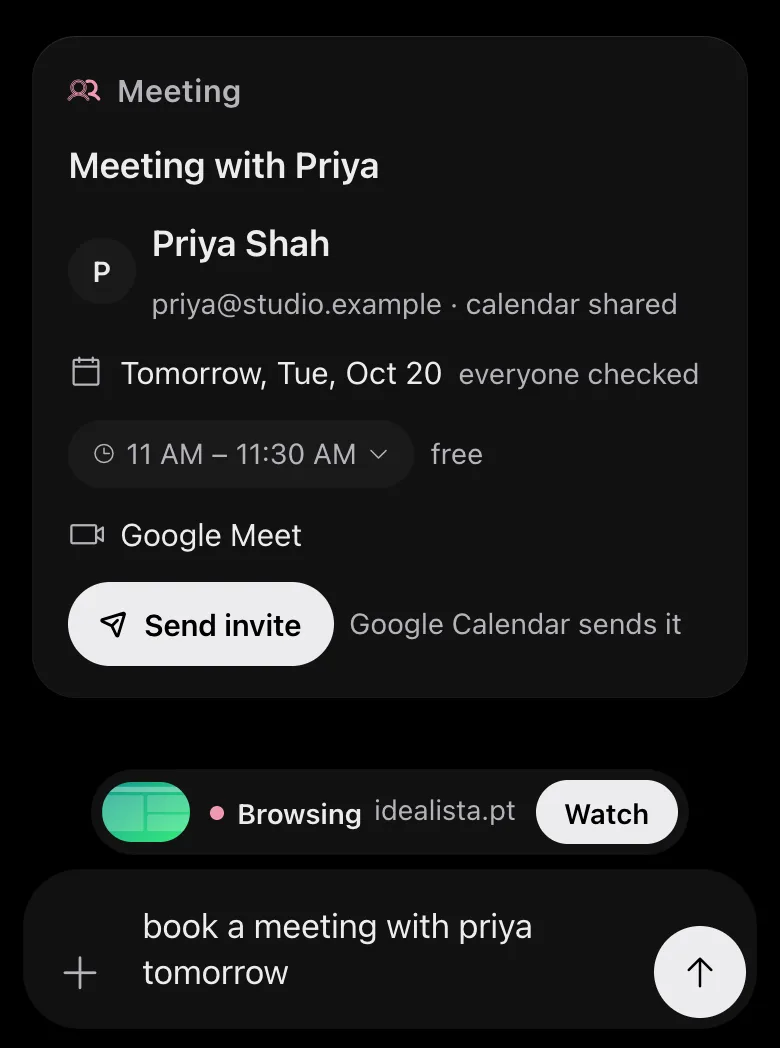
book a meeting with priya tomorrow: who, the day checked against both calendars, the first free time, Send invite
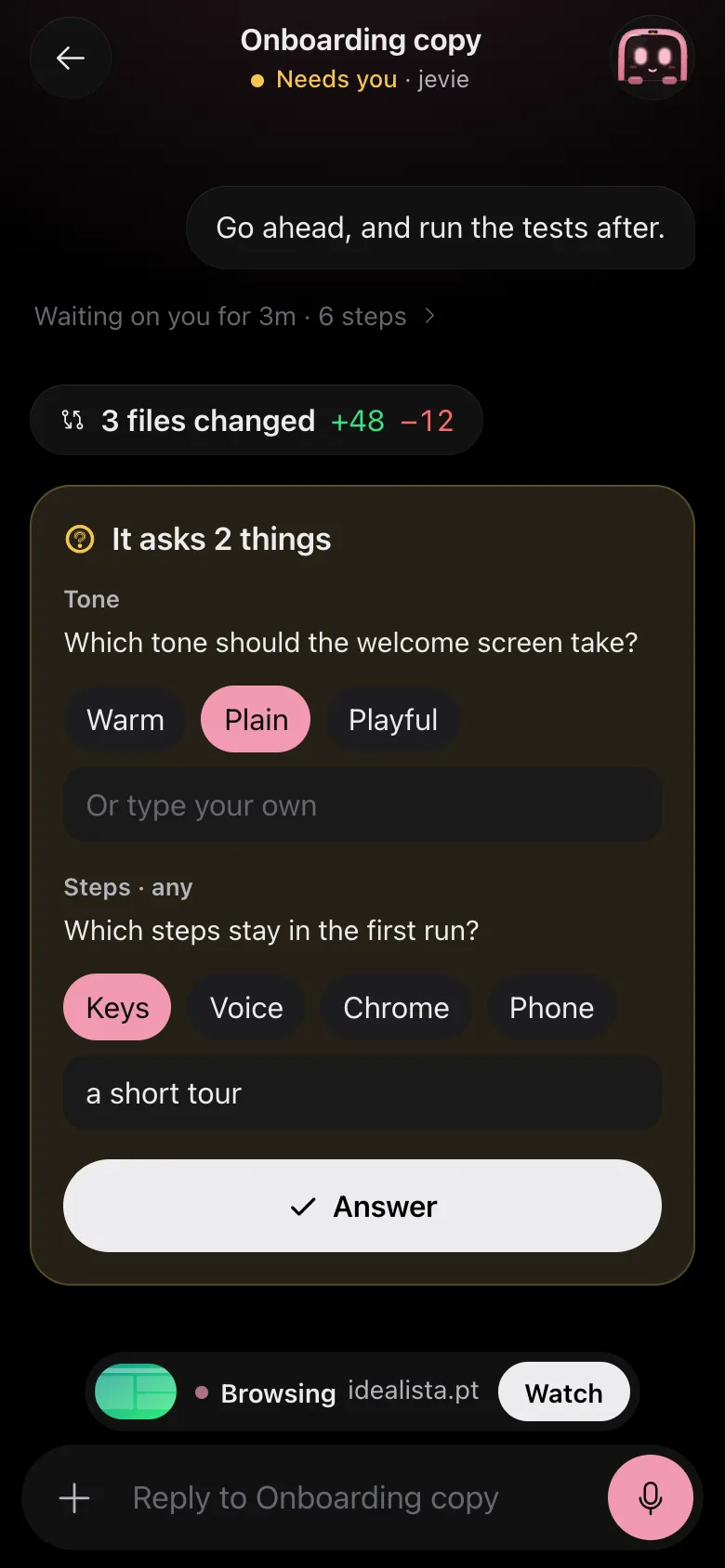
Drawn by Jevie's own renderer with made-up data.
In Jevie, help card
answers from this page as you type.
Related
Updated 4 November 2026 · Something wrong or missing? Tell us